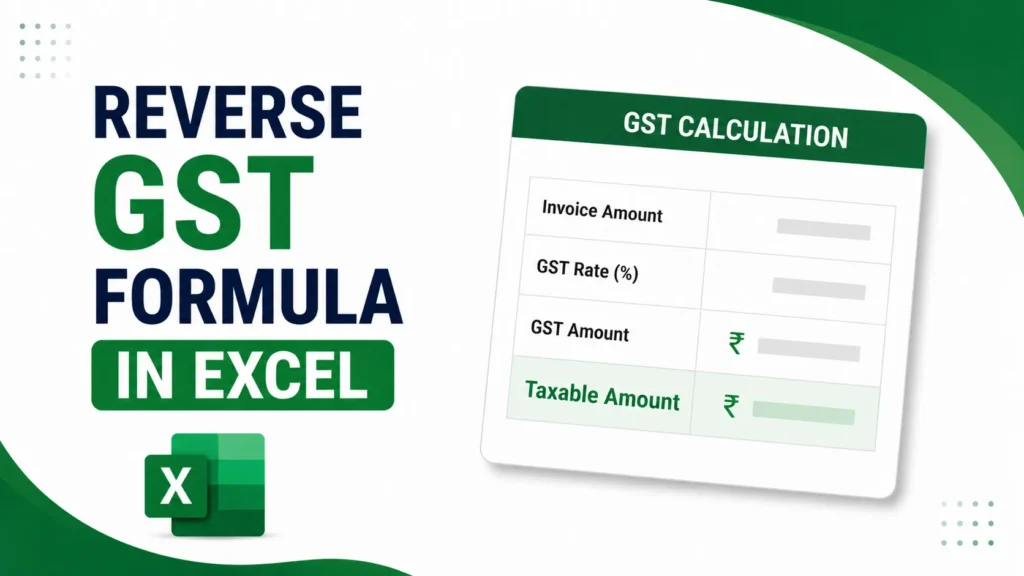
The GST reverse calculation formula extracts the base price and tax amount from a total that already includes GST. The formula is: Base Price = GST Inclusive Amount × 100 ÷ (100 + GST Rate).
Page Contents
What Is Reverse GST Calculation?
Reverse GST calculation is the opposite of the usual process. Instead of adding tax to a base price, you start with a final, tax-inclusive number and work backward to find out how much of it was the original price and how much was tax.
This comes up more often than people expect. MRP labels, restaurant bills, cash memos, and many contract quotes show one final figure with GST already baked in. To record the sale correctly in your books, file an accurate GST return, or claim input tax credit, you need the taxable value and the GST amount shown separately, not lumped together.
GST Reverse Calculation Formula
There are three things you typically need to pull out of a GST-inclusive amount: the base price, the GST amount, and the tax split.
1. Base Price (Taxable Value)
Base Price = GST Inclusive Amount × 100 ÷ (100 + GST Rate)
2. GST Amount
GST Amount = GST Inclusive Amount − Base Price
3. Tax Split (CGST/SGST or IGST)
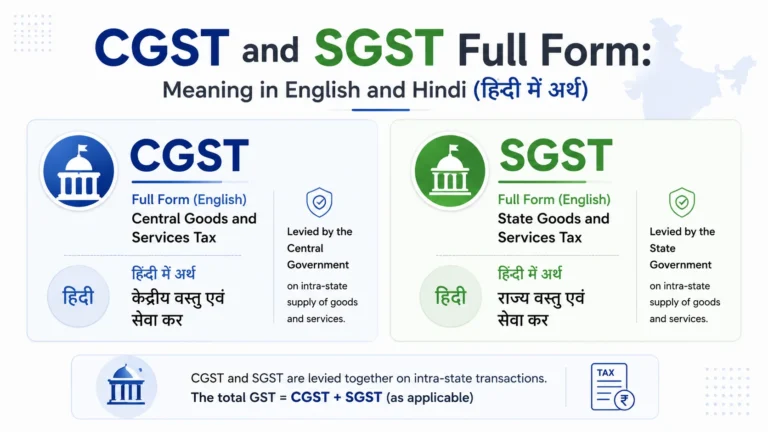
For a transaction within the same state, the GST amount splits equally:
- CGST = GST Amount ÷ 2
- SGST = GST Amount ÷ 2
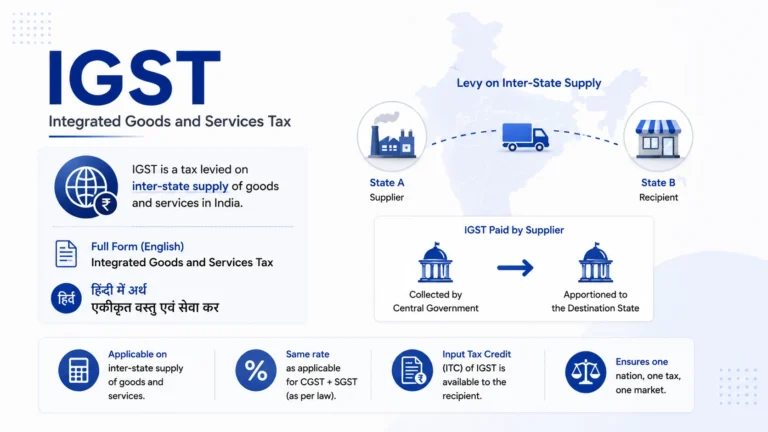
For a transaction between two different states, the full GST amount is charged as IGST, with no split.
Worked Example
Suppose you paid ₹1,180 for a product, and this amount includes 18% GST. Here’s how to find the original price.
Base Price = ₹1,180 × 100 ÷ (100 + 18) Base Price = ₹1,18,000 ÷ 118 Base Price = ₹1,000
GST Amount = ₹1,180 − ₹1,000 = ₹180
If this was an intra-state sale, the split would be:
- CGST = ₹90
- SGST = ₹90
If it was an inter-state sale, the full ₹180 would be recorded as IGST.
Want the numbers without doing the math yourself? Use the calculator below.
Reverse GST Calculator
Formula: Base price = Inclusive amount × 100 ÷ (100 + GST rate)
Reverse GST Calculation Formula in Excel
Doing this by hand works fine for a single bill. If you're processing multiple invoices, setting it up in Excel saves time and avoids repeated manual errors.
Assume your GST-inclusive amount is in cell A2, and your GST rate is in cell B2 (entered as a percentage, like 18%).
| What You Want | Excel Formula |
|---|---|
| Base Price | =A2/(1+B2) |
| GST Amount | =A2-(A2/(1+B2)) |
| CGST (half of GST) | =(A2-(A2/(1+B2)))/2 |
| SGST (half of GST) | =(A2-(A2/(1+B2)))/2 |
Once you've entered these formulas in one row, select the cells and drag down to apply the same calculation to every row below. This is the fastest way to reverse-calculate GST across a full invoice list rather than one bill at a time.
Download Reverse GST Calculator in Excel
If you'd rather not set the formulas up yourself, download our ready-made Reverse GST Calculator template below. It includes input cells for the amount and rate, live formulas for base price, GST, CGST, and SGST, and a pre-filled reference table for 5%, 12%, 18%, 28%, and 40% rates.
Reverse GST Divisors by Rate (Quick Reference)
The divisor you use depends on the GST rate. Here's a quick lookup so you don't need to work it out each time.
Current GST 2.0 rates (from 22 September 2025):
| GST Rate | Divide Inclusive Amount By |
|---|---|
| 5% | 1.05 |
| 18% | 1.18 |
| 40% | 1.40 |
Legacy rates (still used for pre-September 2025 invoices and related credit notes):
| GST Rate | Divide Inclusive Amount By |
|---|---|
| 12% | 1.12 |
| 28% | 1.28 |
If you're reversing an old invoice or issuing a credit note against one, use the rate that applied at the time of the original transaction, not the current GST 2.0 slab.
The Common Mistake in Reverse GST Calculation
The most frequent error is taking a straight percentage of the inclusive amount instead of dividing by the adjusted factor.
Wrong approach: On a ₹1,180 bill at 18% GST, someone calculates 18% of ₹1,180 directly.
18% of ₹1,180 = ₹212.40
This is incorrect. It calculates tax on an amount that already includes tax, which effectively charges tax on tax.
Correct approach: Divide the inclusive amount by 1.18 first to isolate the base price, then find the difference.
₹1,180 ÷ 1.18 = ₹1,000 (base price) ₹1,180 − ₹1,000 = ₹180 (actual GST)
The gap between ₹212.40 and ₹180 is ₹32.40 on this single bill. At higher rates, the error grows. At 40% GST, taking the rate directly off the inclusive amount overstates the tax by a wide margin. If this overstated figure gets booked as input tax credit, it becomes a claim you can't support and a reversal with interest later.
Reverse GST with Compensation Cess
Some goods, mainly luxury items and sin goods like tobacco, aerated drinks, and certain vehicles, attract a compensation cess on top of GST. Both are calculated on the same taxable value, so the reverse calculation needs a combined divisor rather than two separate steps.
Divisor = 1 + GST Rate + Cess Rate
For example, on a ₹1,000 inclusive amount at 40% GST plus 12% cess:
Taxable Value = ₹1,000 ÷ 1.52 = ₹657.89 GST Amount = ₹657.89 × 40% = ₹263.16 Cess Amount = ₹657.89 × 12% = ₹78.95
Reversing the GST and cess separately, one after the other, gives an incorrect result. Always apply the combined divisor in one step.
Reverse GST Calculation vs Reverse Charge Mechanism (RCM)
These two terms sound related but mean different things, and it's easy to confuse them.
Reverse GST calculation is pure arithmetic. It's the process of pulling the base price and tax out of a GST-inclusive total, as covered throughout this article.
Reverse Charge Mechanism (RCM) is a legal provision under Section 9(3) and 9(4) of the CGST Act. Under RCM, the liability to pay GST shifts from the supplier to the recipient for certain notified supplies, such as goods transport agency services, legal services, or purchases from unregistered dealers. The recipient still pays tax at the normal applicable rate and can claim input tax credit if eligible.
One is a calculation method. The other decides who is legally responsible for paying the tax to the government. You can use the reverse GST formula in either a regular transaction or an RCM transaction, since the formula itself doesn't change.
Frequently Asked Questions
What is the formula for reverse GST calculation?
Base Price = GST Inclusive Amount × 100 ÷ (100 + GST Rate). Subtract the base price from the inclusive amount to get the GST component.
How do I calculate reverse GST in Excel?
If the inclusive amount is in cell A2 and the GST rate is in B2, use =A2/(1+B2) for the base price and =A2-(A2/(1+B2)) for the GST amount. Drag the formula down to apply it to multiple rows.
How do I remove 18% GST from a total amount?
Divide the inclusive amount by 1.18. For example, ₹1,180 ÷ 1.18 = ₹1,000 base price, with ₹180 as the GST amount.
What is the reverse GST formula for GST 2.0 rates?
The formula stays the same; only the divisor changes. Use 1.05 for 5%, 1.18 for 18%, and 1.40 for 40%, which are the current GST 2.0 slabs effective from 22 September 2025.
Is reverse GST the same as reverse charge (RCM)?
No. Reverse GST calculation is a formula for extracting tax from an inclusive amount. Reverse Charge Mechanism is a legal provision that shifts who is responsible for paying GST to the government, from the supplier to the recipient.
How is CGST and SGST calculated from an inclusive amount?
First reverse-calculate the total GST amount, then divide it equally into two halves for CGST and SGST. This split applies only to intra-state transactions; inter-state transactions use the full amount as IGST instead.
Why does taking a percentage of the total amount directly give the wrong GST figure?
Because the total amount already includes GST. Applying the rate directly to that inclusive figure calculates tax on top of tax, which overstates the actual GST amount, especially at higher rates.
This article is for informational purposes only and is not investment or tax advice. Consult a qualified professional for decisions specific to your situation.