Get started

Category GST

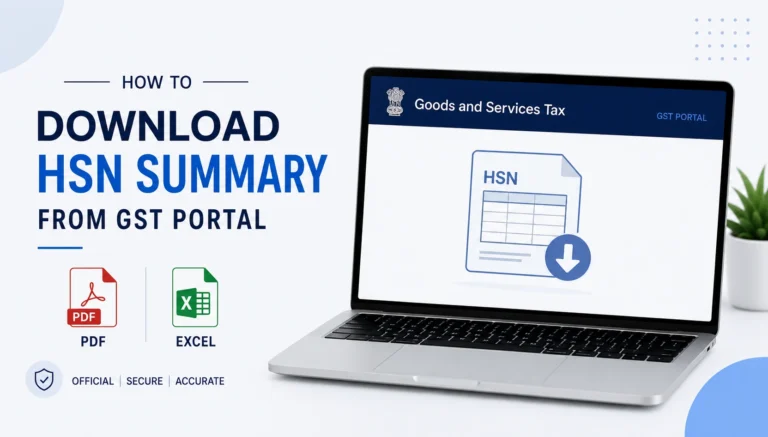
How to Download HSN Summary from GST Portal

How to Download HSN Summary from GST Portal 2026

To download the HSN Summary from the GST portal, log in, go to Services > Returns > Returns Dashboard, select the financial year and period, open your GSTR-1, and navigate to the HSN-wise Summary of Outward Supplies table. From there,…

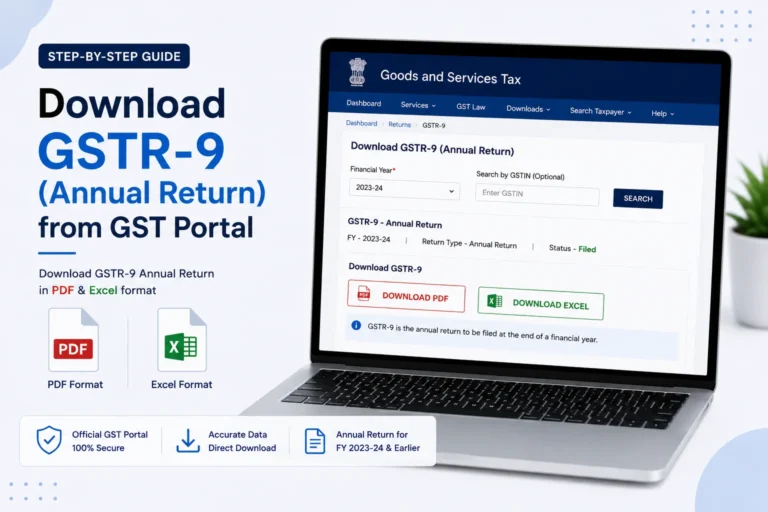
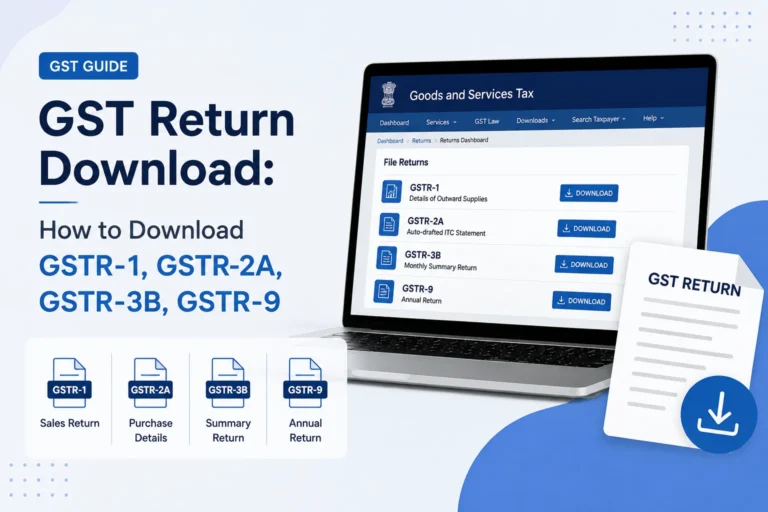
How to Download GSTR-9 (Annual Return) from GST Portal

How to Download GSTR-9 (Annual Return) from GST Portal

To download GSTR-9 from the GST portal, log in, go to Services > Returns > Annual Return, select the financial year, and use the download options on the GSTR-9 tile. You can download the system-computed summary before filing, or the…

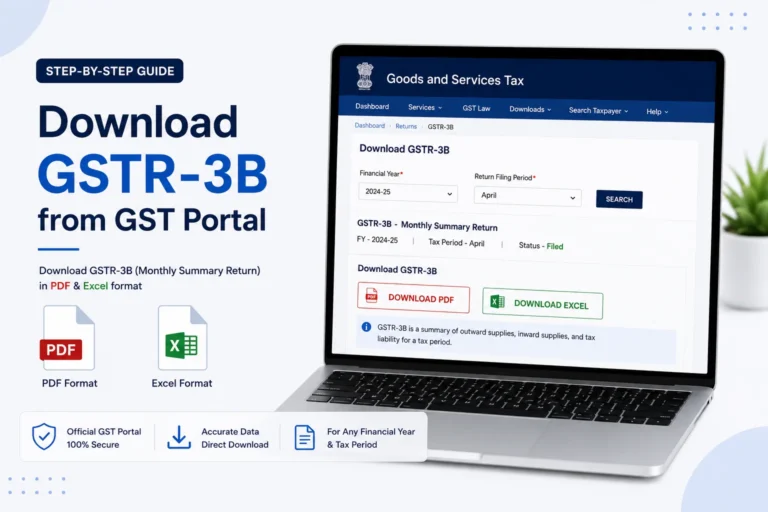
How to Download GSTR-3B from GST Portal

How to Download GSTR-3B from GST Portal 2026

To download GSTR-3B from GST portal, log in, go to Services > Returns > Returns Dashboard, select the financial year and return period, and click the Download button on the GSTR-3B tile. You can also download it immediately after filing…

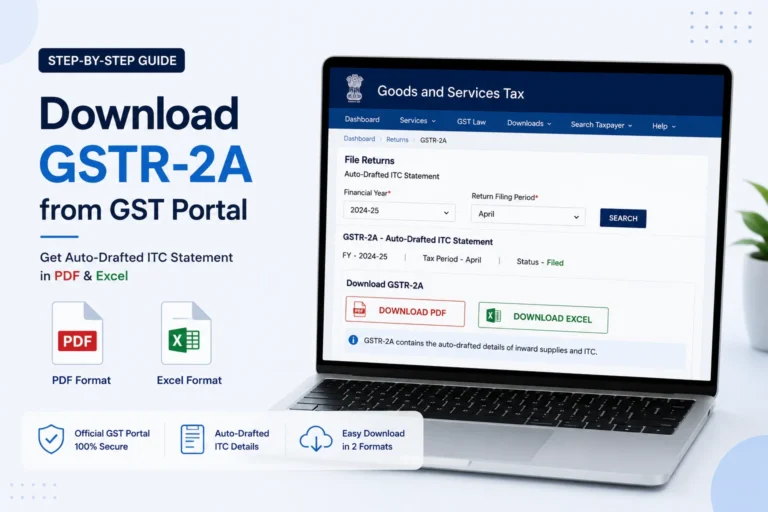
How to Download GSTR-2A from GST Portal (Excel & JSON)

How to Download GSTR-2A from GST Portal (Excel & JSON)

To download GSTR-2A from GST portal, log in, go to Services > Returns > Returns Dashboard, select the financial year and month, and click Download under the “Auto Drafted Details (For view only) GSTR-2A” section. Choose either Excel or JSON…